

App Download Step by Step at Bwin Casino for Canada
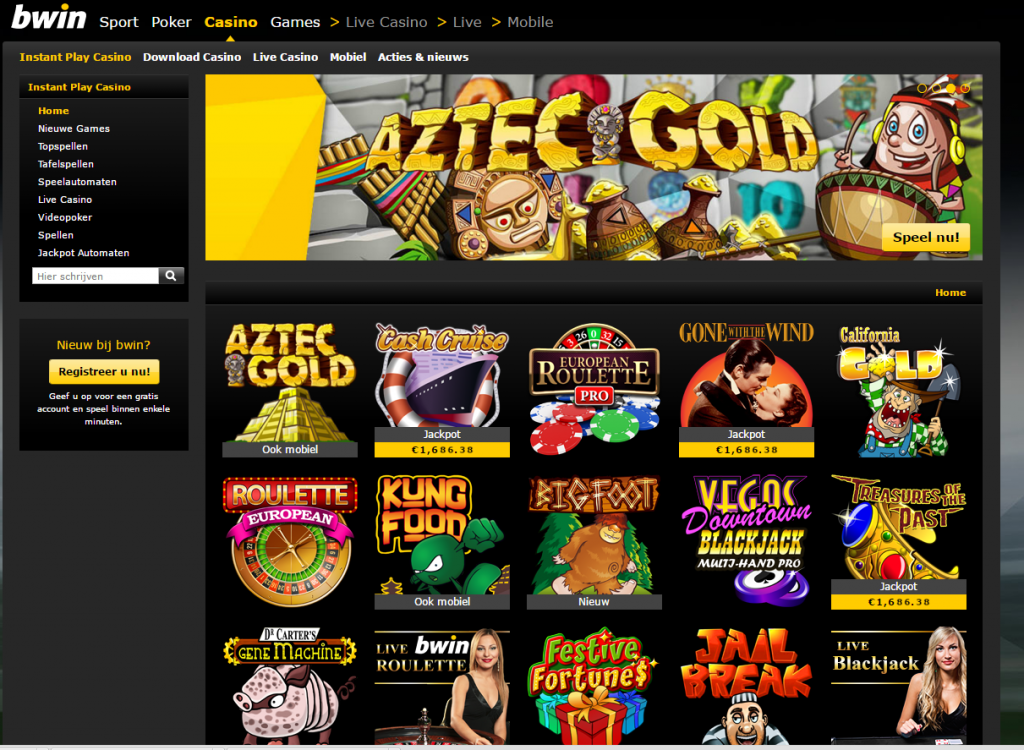
Prepared to take Bwin Casino on the go? We’ll assist you install the Bwin app on your device https://bwincasino.io/en-ca/. This step-by-step guide explains how to start betting and playing slots from your smartphone in just a few minutes. It’s created specifically for Canadian players, including every key detail for a smooth setup. With the app, you can enjoy Bwin Casino wherever you are in Canada.
Why Pick the Bwin Casino Mobile App?
The Bwin Casino app provides a tailored gaming experience for Canadian players on mobile. You get easy navigation, promotions unique to the app, and instant access to slots and live dealer games. It converts your device into a portable casino. Graphics are clear, gameplay is responsive, and some promotions are only offered on the app.
Games and live dealer streams operate faster on the app than on a mobile browser. Push notifications alert you when bets complete or new games release, maintaining you updated. For many, the app isn’t just practical—it’s the favorite way to explore Bwin’s full range of games when you’re out. The app is enhanced regularly to ensure it works smoothly on Canadian devices.
First Opening, Logging In, and Account Setup
Press the new Bwin icon to launch the app. It starts with a lively interface. Registered players can sign in with their login details. New Canadian users can click ‘Join’ to register an account within the app and get a welcome bonus tailored for mobile. The welcome bonus for mobile users often features free spins or deposit matches.
The mobile registration form is streamlined. You can validate your Canadian identity and make your first deposit in just a few minutes. The app leads you to the cashier and presents any active bonus codes to redeem immediately.
Installing the Bwin App on Android
After the APK downloads, launch it from your notification panel or ‘Downloads’ folder. The installation wizard will start. Complete the on-screen prompts and allow any necessary permissions. Soon, the Bwin icon will show up on your home screen, ready to open. Once installed, you can start the app and log in.
The app requires standard permissions like storage for caching game data and network access. Installation normally completes in under 30 seconds on modern devices. After that, you can revoke the ‘unknown sources’ setting for your browser if you want.
Testing Your Device Requirements
To start, check if your device is suitable. The Bwin app operates on Android and iOS. For Android, you require version 8.0 or higher. For iPhone or iPad, you need iOS 13.0 or later. A reliable internet connection is vital for seamless gameplay and live streaming.
Additionally, review your available storage. The app doesn’t occupy much space, but having at least 500MB free provides smooth operation and future updates. Android users need to have at least 2GB of RAM to reduce lag during intense live casino sessions. Verify your device’s settings to avoid any issues during installation.
Getting and Configuring on iOS Devices

For iPhone and iPad users, the method is straightforward. Open the App Store on your iOS gadget and look for “Bwin Casino”. The official app will be displayed. Find the Bwin brand logo and verify the developer is “Entain Operations Limited”.
On the app page, press the ‘Get’ button. You may need to authenticate with Face ID, Touch ID, or your Apple ID password. The app downloads and installs automatically. Then you will see the new icon on your home screen. The entire process is quick and secure within Apple’s ecosystem. The App Store assures the app is safe and without malware.
Downloading the App for Android Devices
Since the app isn’t on Google Play Store, you download it directly. Start by visiting the official Bwin Casino website from your Android browser. Navigate to the mobile section and click the ‘Download for Android’ button. This retrieves the APK file safely from Bwin’s servers. The download button is typically noticeable on the mobile site.
Always verify you’re on the official Bwin Canada site before downloading. Bookmark the official site to prevent third-party sources. The download is quick, and you’ll receive a notification once the APK file is saved to your device.
Setting up Android Security for Installation
Before setting up, you need to enable installations from untrusted sources. Navigate to your device’s Settings, then to Safety or Protection. Enable the ‘Install unknown apps’ or ‘Allow from this source’ option for your browser. This temporary change is safe when obtaining from the authorized site. This protection step shields your device from dangerous apps.
This is a typical Android protection measure. You’re only giving permission for this download session. The system will normally ask for verification again during installation, so you maintain control at every step.
Fixing Common Installation Issues
Sometimes you could run into a problem. First, verify you have enough storage space and a strong internet connection. If an update is necessary, check your device’s OS settings. For persistent issues, clearing your browser cache or restarting your device often helps.
On Android, a “Parse Error” usually means the APK download was corrupted. Delete it and download again. On iOS, if the app freezes, try pausing and resuming the download in the App Store. Checking Bwin’s official help page for system requirements can also solve compatibility questions. If problems persist, contact Bwin support for assistance.
Exploring the App’s Capabilities Post-Installation
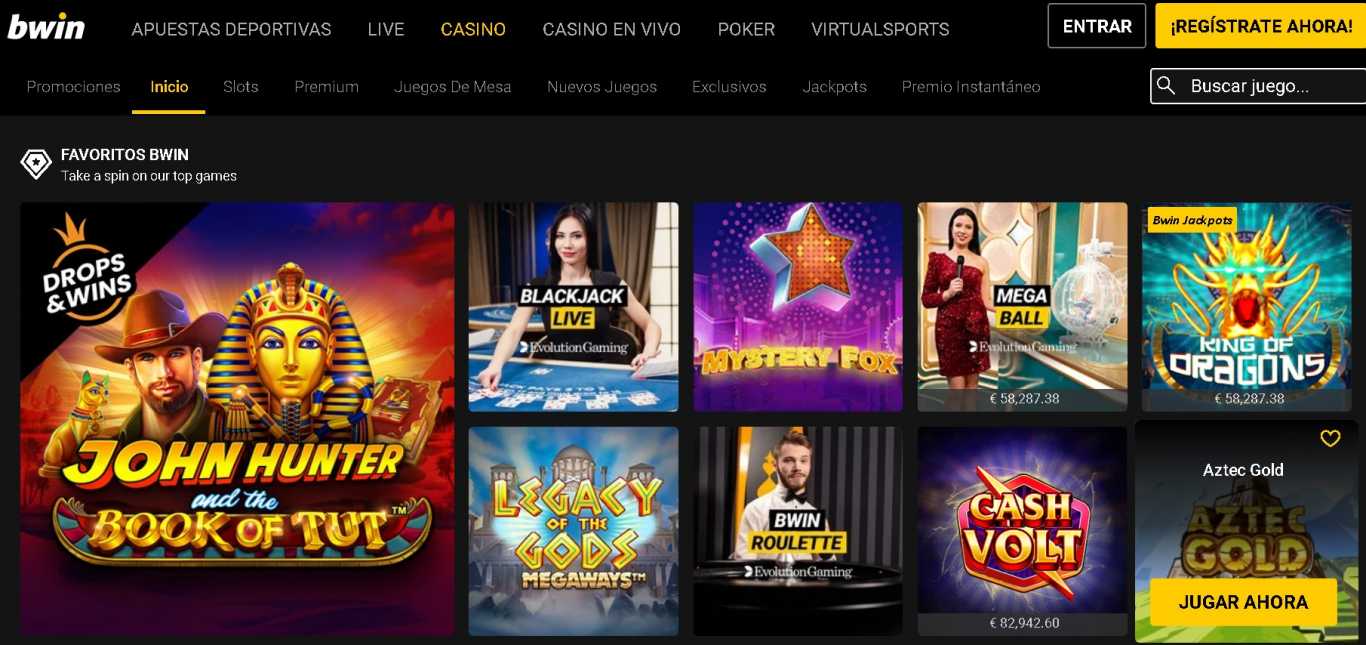
Now for the fun part! Explore the app’s user-friendly layout. You’ll discover sorted slots, quick-access live casino lobbies, and a exclusive sportsbook. The app runs well, with faster load times and mobile-optimized controls that make scrolling and tapping simple. Spend a moment to look through all the sections to familiarize yourself with the app.
Essential features to review first include the tailored ‘My Favourites’ section for fast game access and the effective banking hub for deposits and withdrawals. The live dealer section is impressive, with fluid video streaming and smart betting controls that replicate being at a table.
Also, head to the promotions page curated for mobile users. On this page you’ll find time-sensitive offers, free spin deals, and cashback opportunities designed for app play. The in-app notification center tracks all active bets and bonus statuses.
Categorizado en: Sin categoría
Esta entrada fue escrita portr_economicas


